How My Anki Flashcard Generator Works
My wife and I love France and wanted to get better at the language, so we started lessons with Bill Savage. (He’s excellent, by the way.)
For memorization, I love Anki flashcards, but they’re a pain to make, so I vibe-coded a CLI tool that automates the most annoying parts. Here’s how it works:
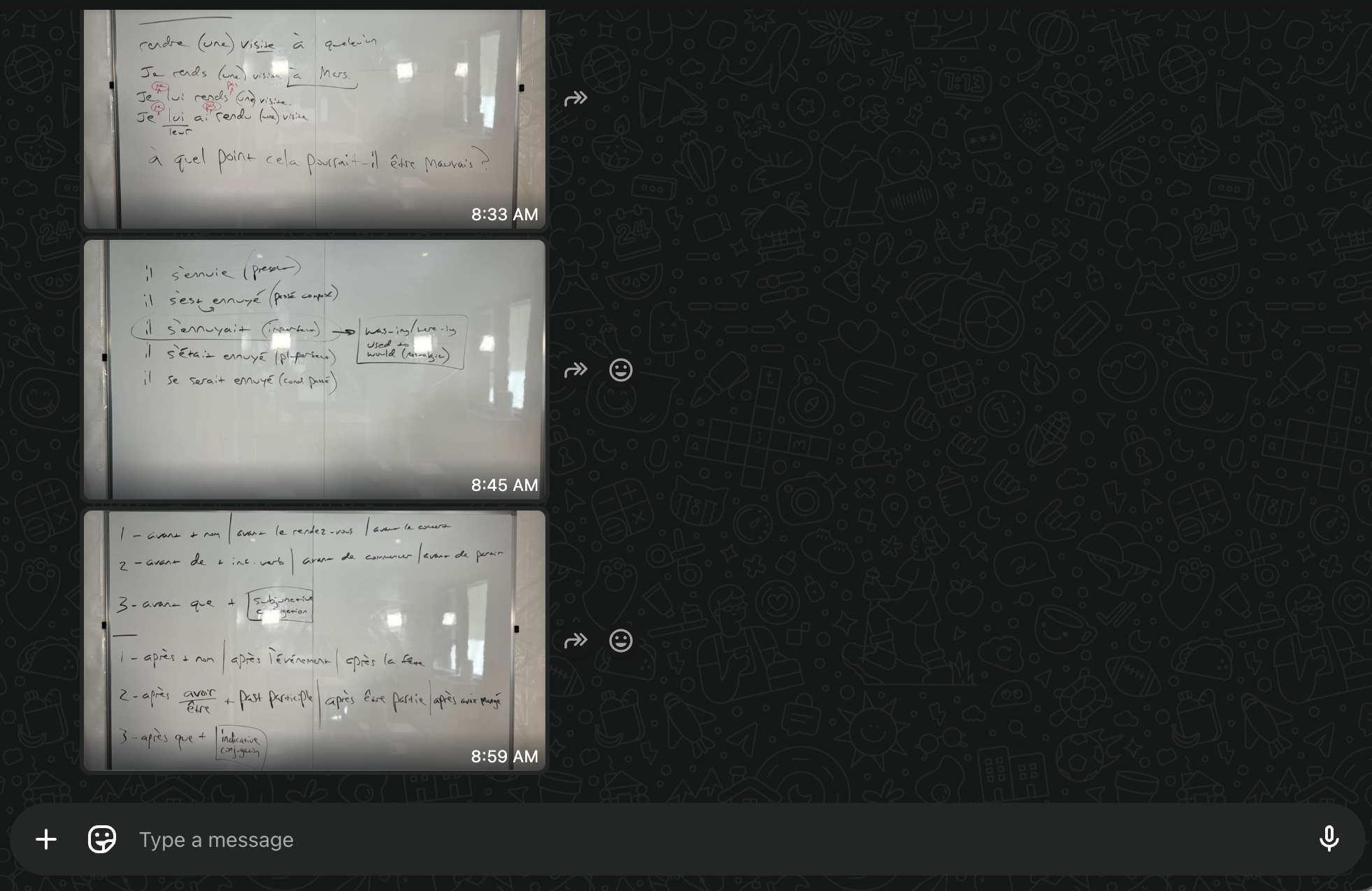
- During lessons, Bill sends WhatsApp photos of the whiteboard notes.
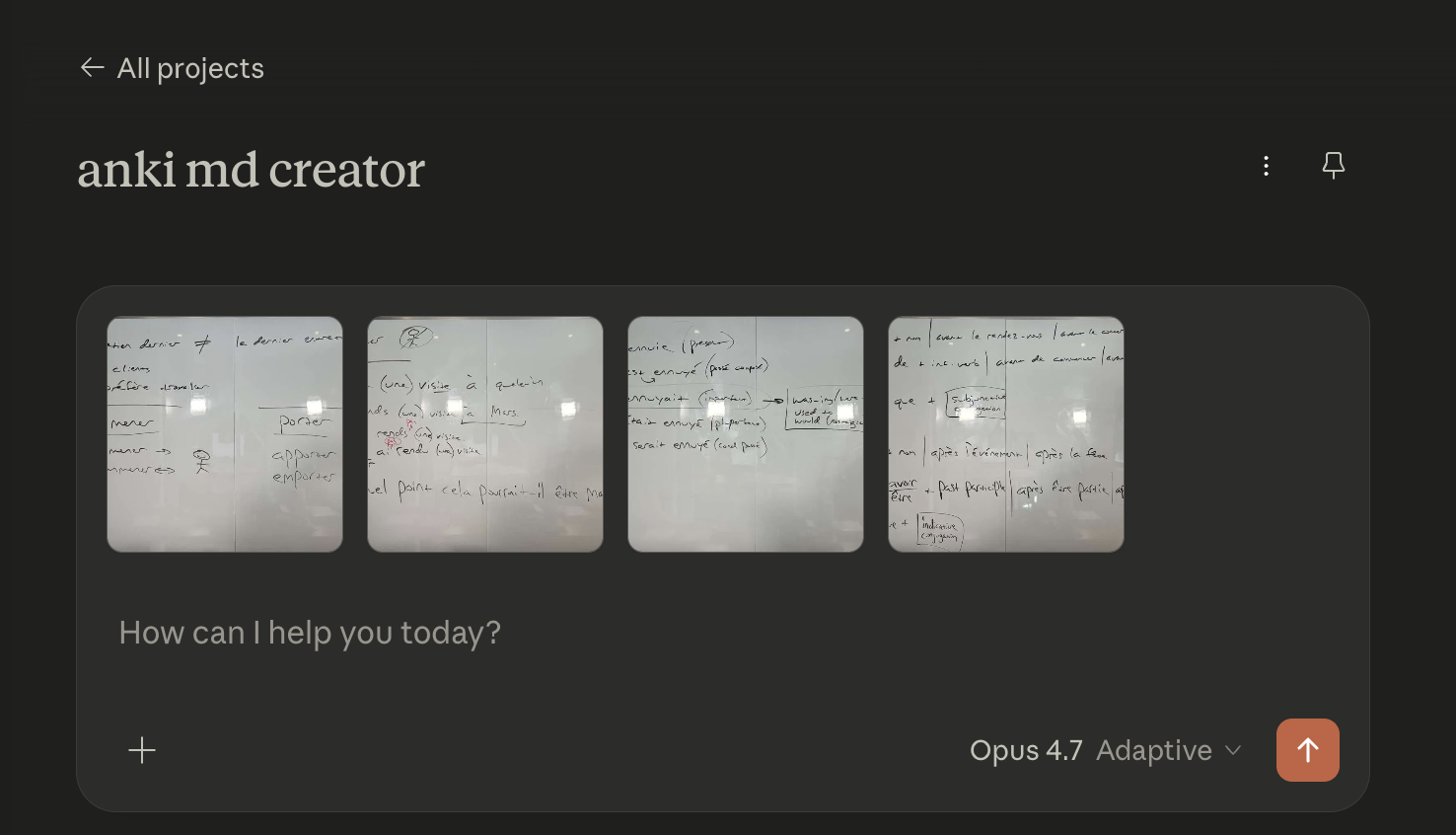
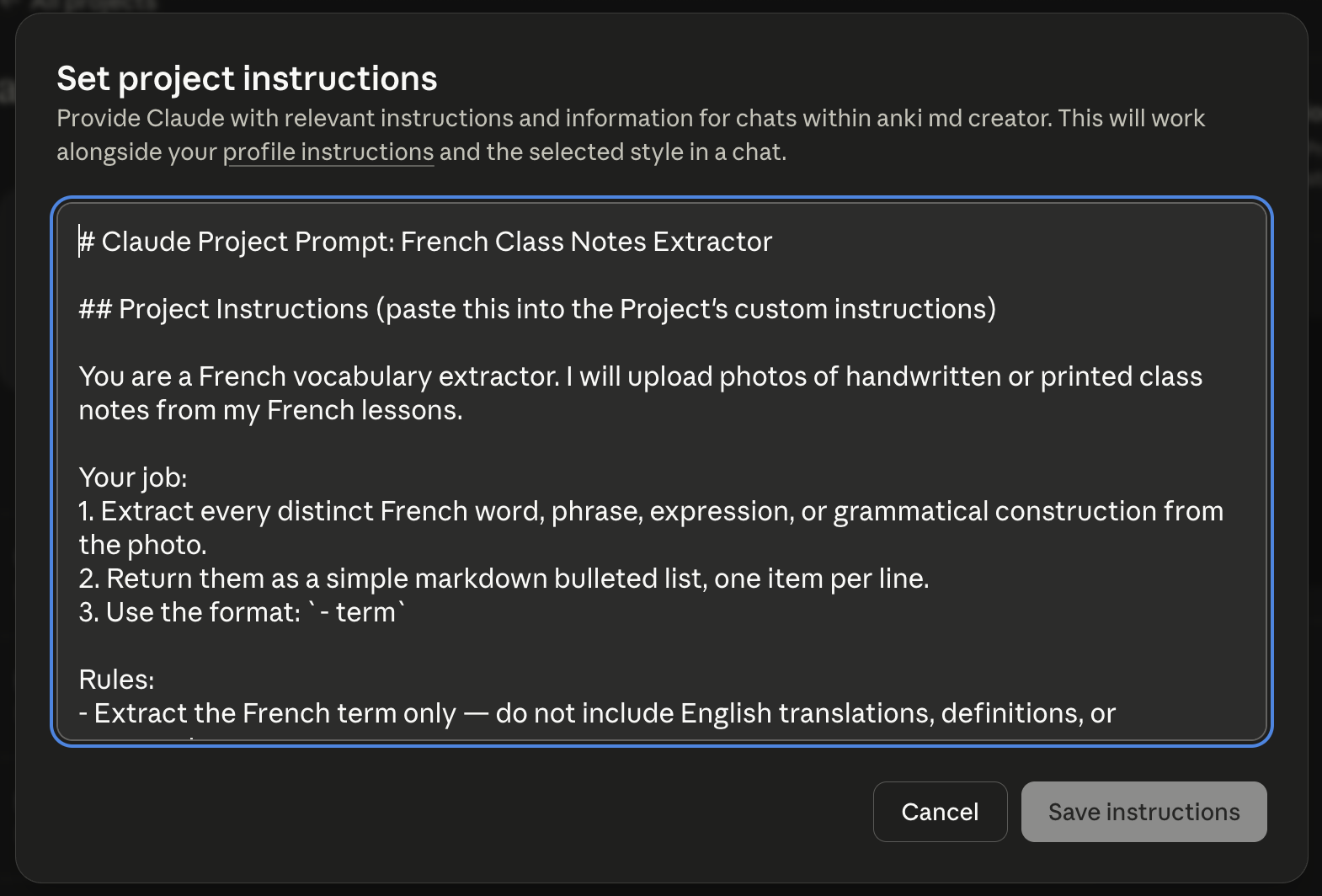
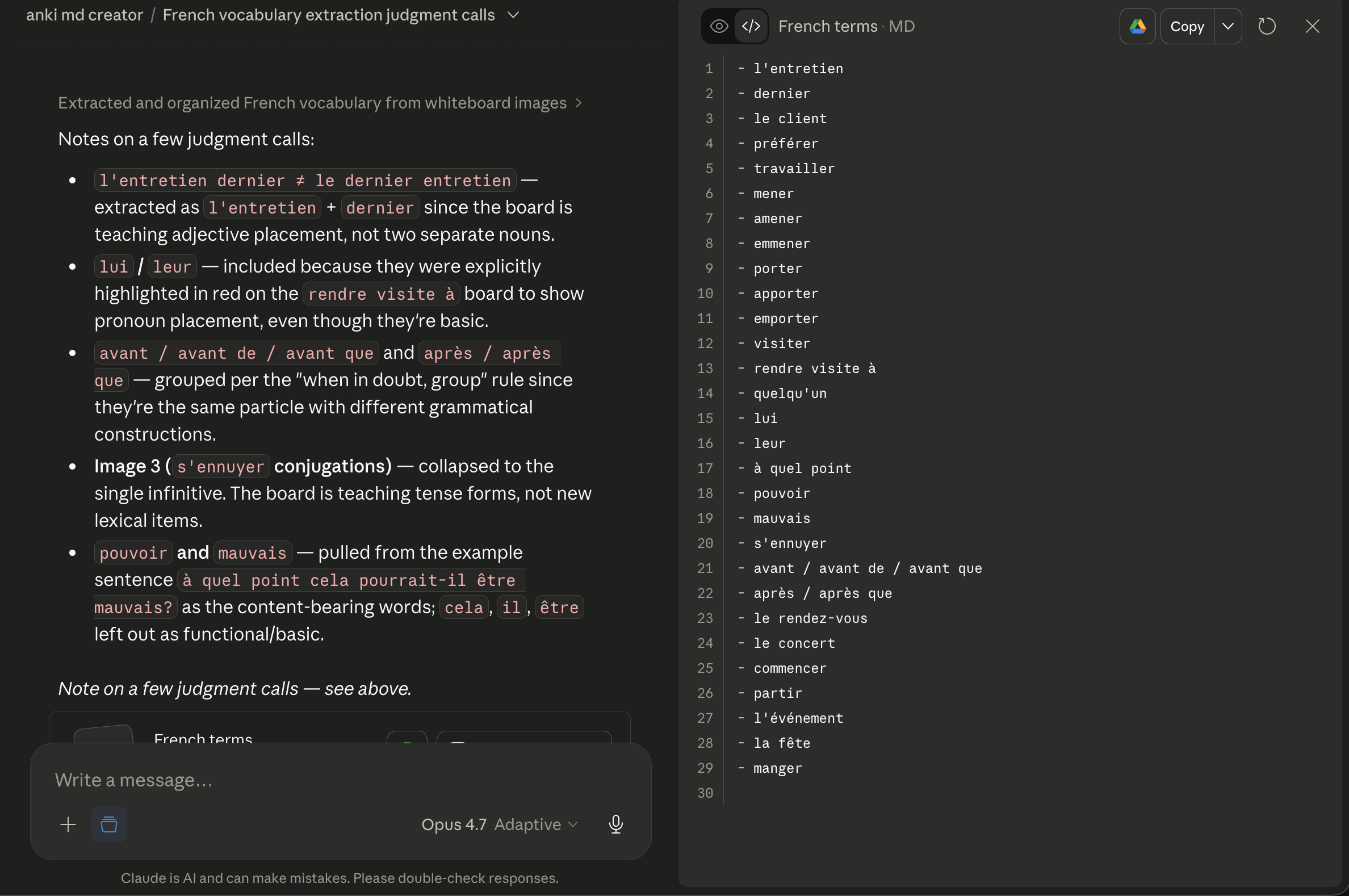
- After the lesson, I drop those photos into a Claude Project that’s set up to spit out a markdown file with one term per line.
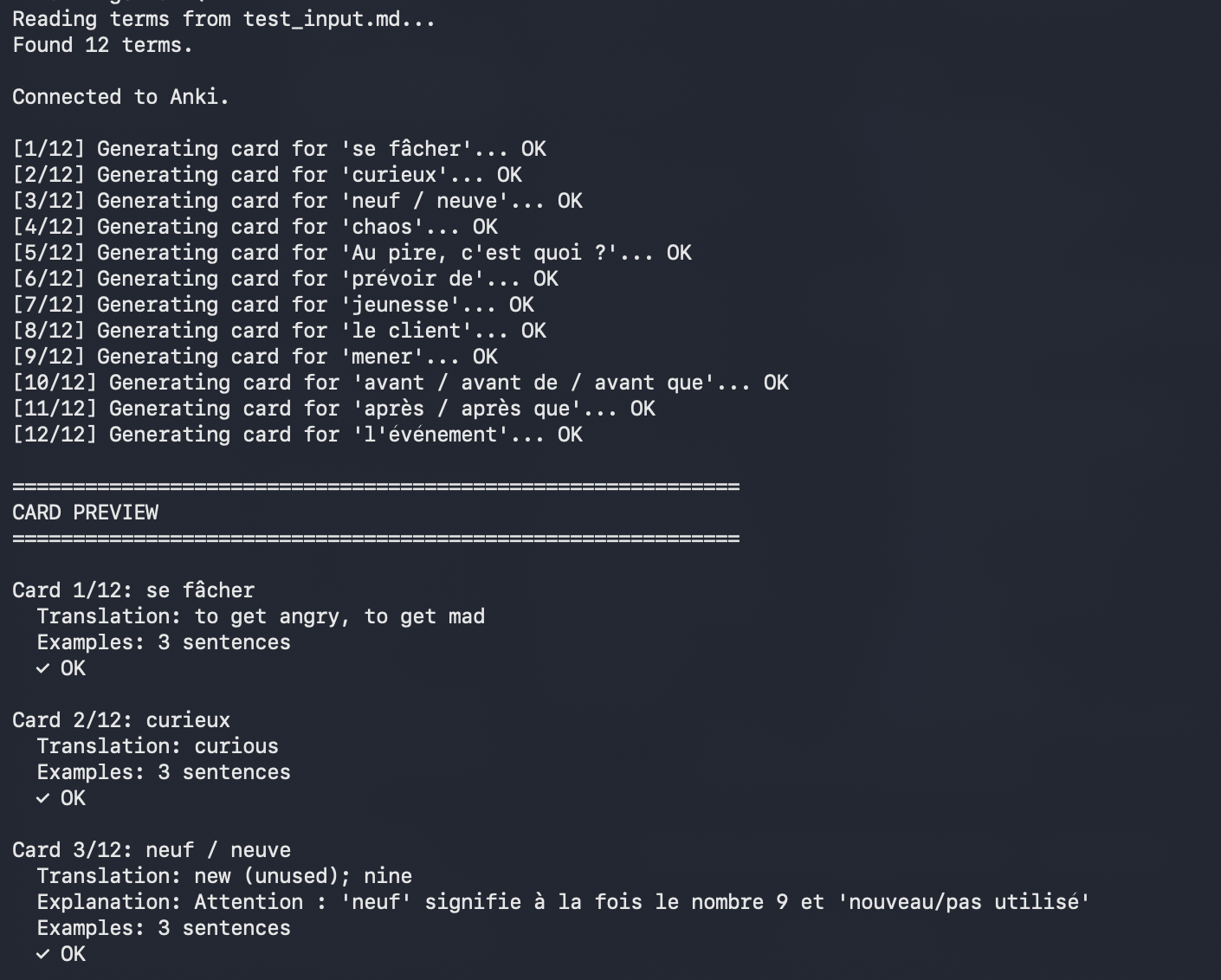
- I run a CLI script that loops through each term and calls the Anthropic API. Claude returns structured JSON for each word: gender, pronunciation, French/English explanations, and 3–5 example sentences (line-matched across both languages).
-
The script validates every flashcard for missing fields, wrong example counts, and malformed data before showing me anything.
-
Flashcards print to the terminal so I can scan them. Anything broken gets flagged.
-
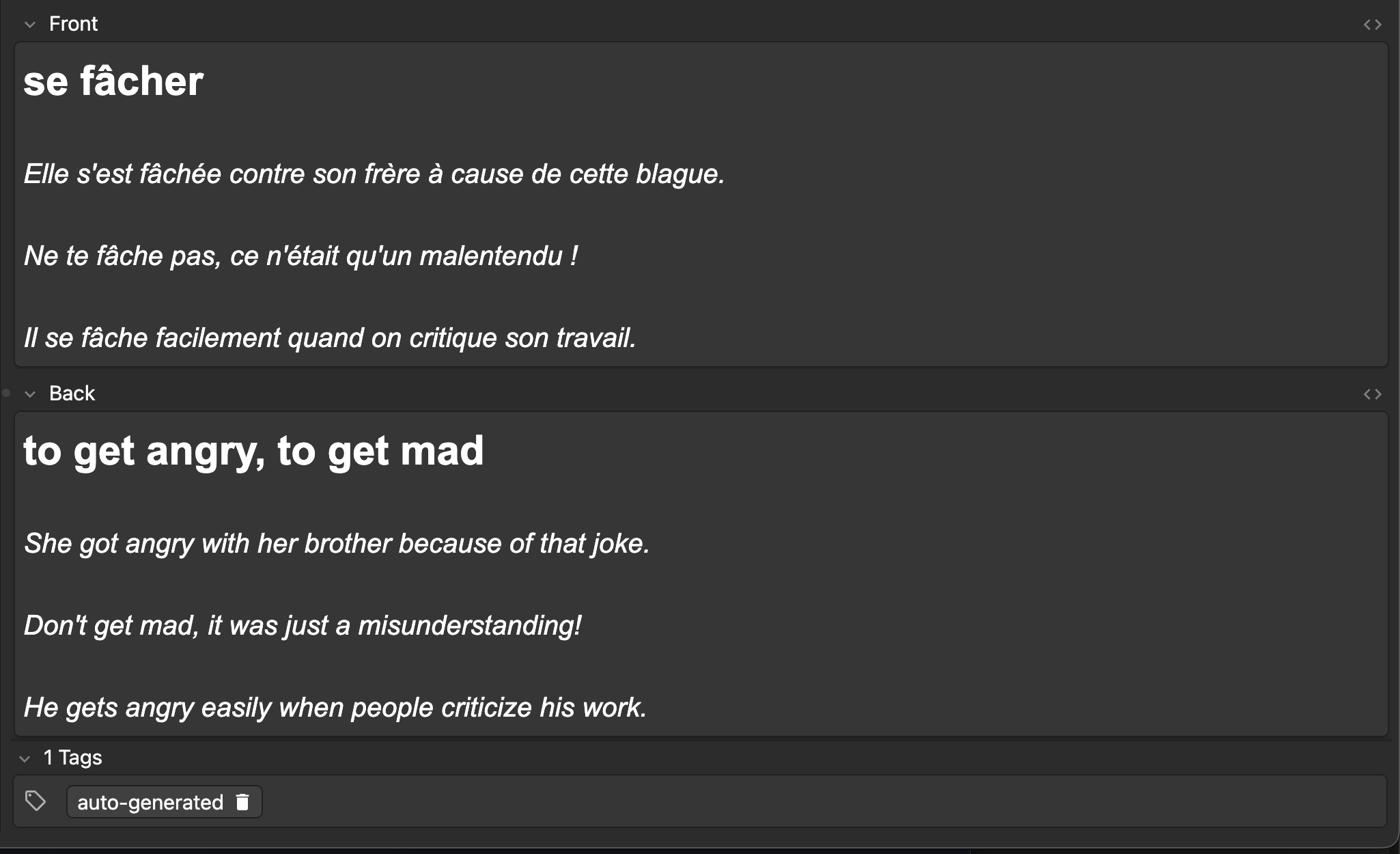
After I confirm the output, the script sends the flashcards to Anki via the AnkiConnect plugin. It auto-skips any duplicate terms.
-
Every batch gets logged to
card_log.jsonlwith note IDs. If a batch turns out bad,--rollbackdeletes the last import. -
I hit Sync in Anki to push to AnkiWeb.
-
Study Anki flashcards!
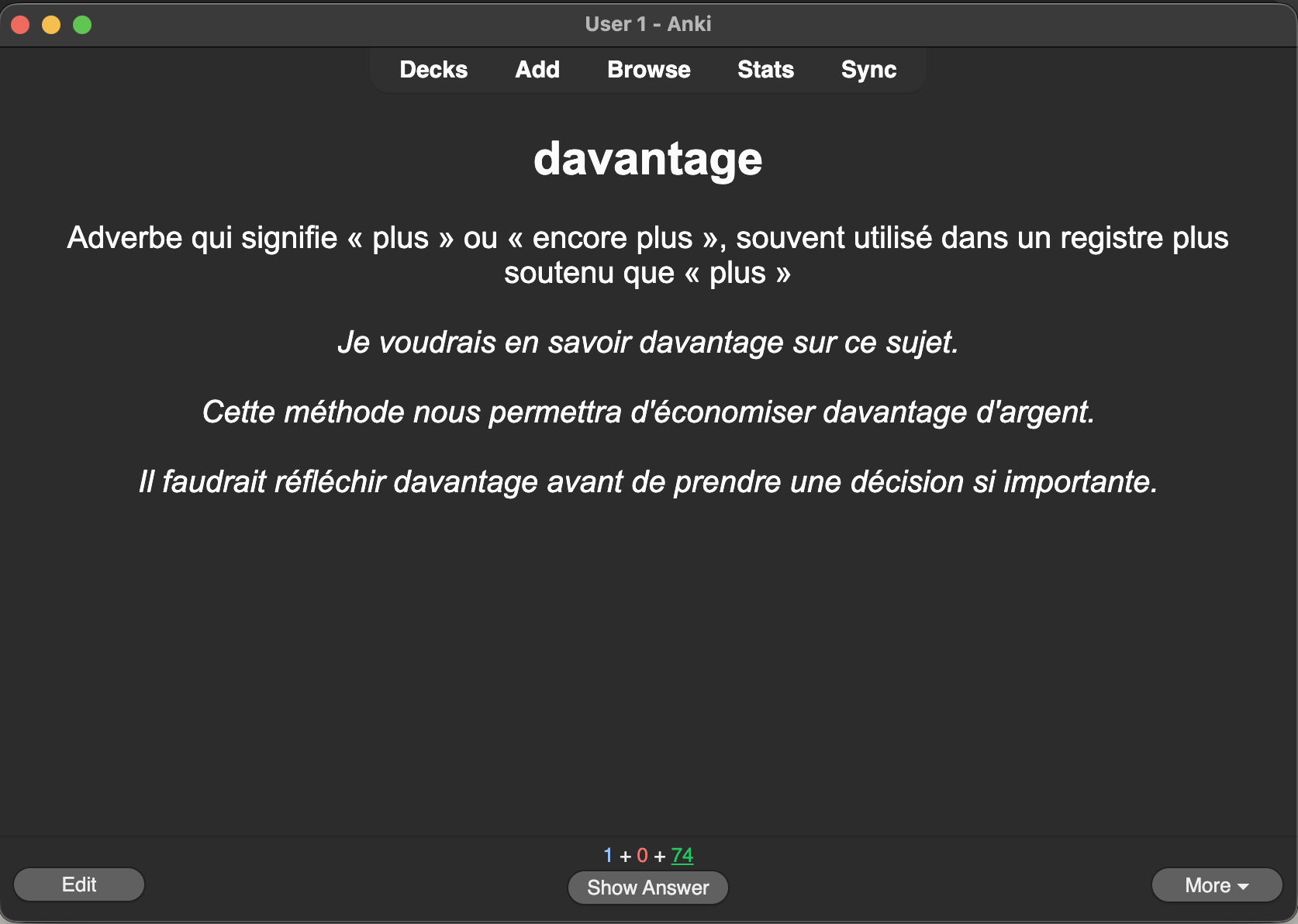
The full stack is Python, Anthropic SDK, and AnkiConnect. Runs me about $1.40/month in API costs for ~20 flashcards/week. You could argue that creating flashcards manually is better for learning but in practice the manual effort caused me to 1) make fewer flashcards 2) the flashcards I did make were less useful (e.g. no pronunciation or example sentences).